 dbcdace7be
|
||
|---|---|---|
| .. | ||
| ftdetect | ||
| ftplugin | ||
| indent | ||
| syntax | ||
| CHANGELOG.md | ||
| LICENSE | ||
| README.md | ||
README.md
nginx.vim
Description
Features
The plugin is based on the recent vim-plugin distributed with nginx-1.12.0 and additionally features the following syntax improvements:
- Highlight IPv4 and IPv6 addresses
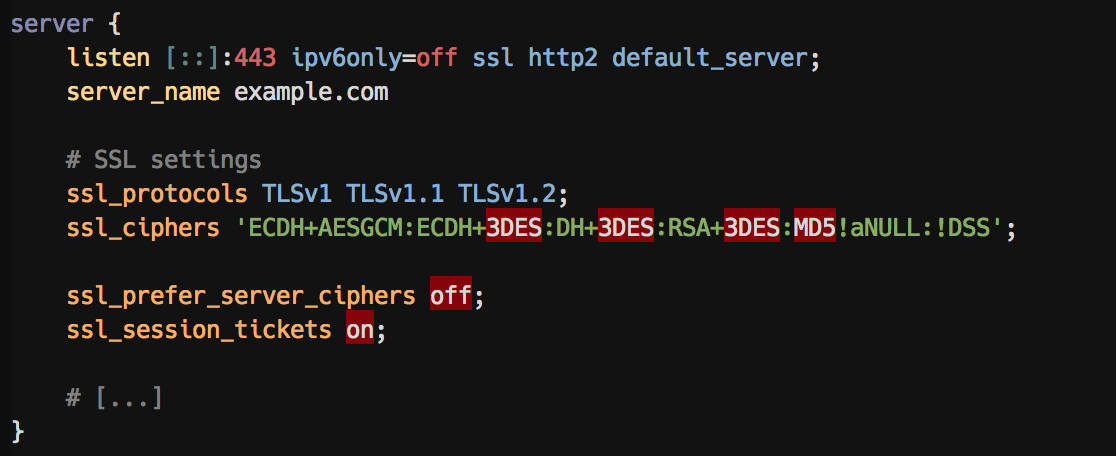
- Mark insecure
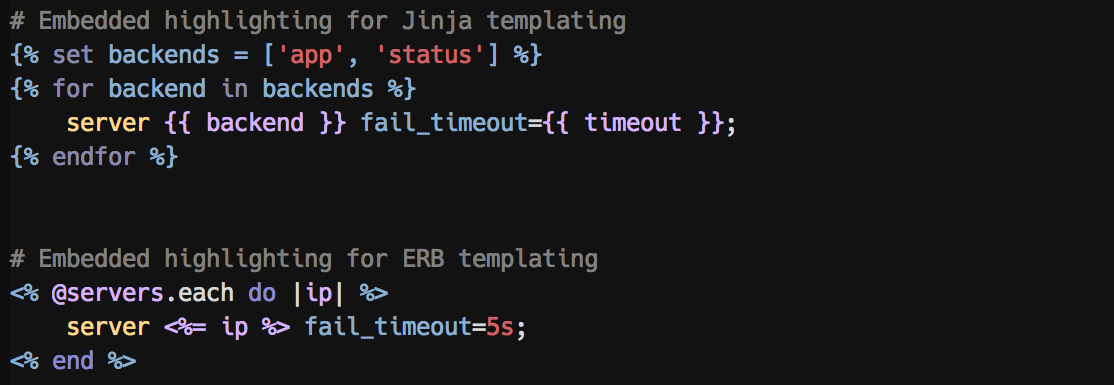
ssl_protocolsas errors - Inline template syntax highlight for ERB and Jinja
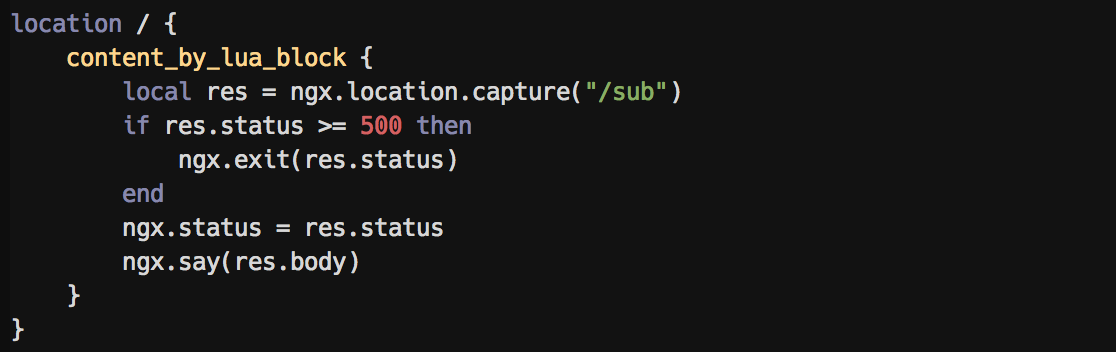
- Inline syntax highlight for LUA
- Improve integer matching
- Syntax highlighting for
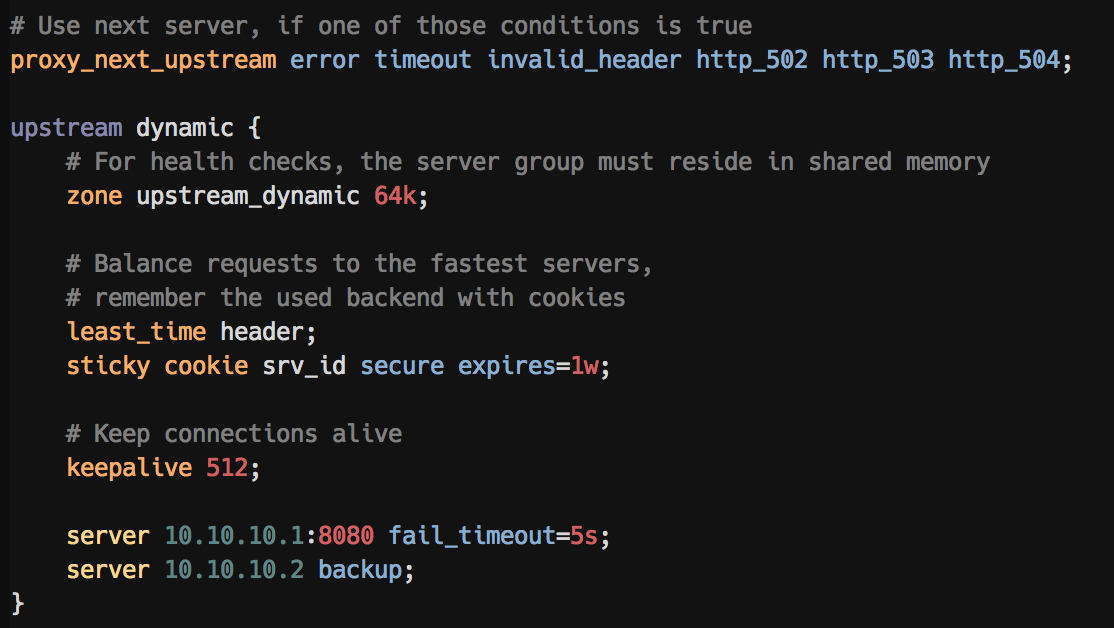
proxy_next_upstreamoptions - Syntax highlighting for
stickyoptions - Syntax highlighting for
upstreamserveroptions - More to come!
Furthermore:
- Remove annoying delimiters, resulting in strange word-boundaries
Note: Also check out sslsecure.vim: it supports highlighting insecure SSL/TLS cipher suites and protocols in all your files!
Screenshots
A server block with highlighting of insecure ssl_protocol options:
An upstream block with highlighted options:
Embedded highlighting for ERB and Jinja templates:
Embedded LUA syntax highlighting:
References
- Based on the original
nginx-1.12.0/contrib/vim - IPv4 and IPv6 address highlighting, based on expressions found in this forum post
- Blog post introducing this plugin including some more examples
For help with secure cipher selection, visit Mozillas SSL Configuration Generator
Installation
Install using any vim plugin manager. If you're not familiar with any, go with Plug (vim-plug).
Then install this plugin using the your vim's plugin manager as follows:
Plug
Plug 'chr4/nginx.vim'
Dein.vim
call dein#add('chr4/nginx.vim')
Vundle
Plugin 'chr4/nginx.vim'
Pathogen
git clone https://github.com/chr4/nginx.vim ~/.vim/bundle/nginx.vim
Optionally, if you like Jinja template syntax highlighting, install lepture/vim-jinja, too.