 4d98f47c25
|
||
|---|---|---|
| .github | ||
| img | ||
| CONTRIBUTING.md | ||
| LICENSE | ||
| README.md | ||
| flash | ||
README.md





flashcards in your terminal! This script was inspired by a basic script i saw in a youtube video by a user named nixcasts. I Like the Anki flashcard system and so im working to replicate it in a simple manner using plain text documents and a shell script to aid my ability to study with active recall and spaced repetition.
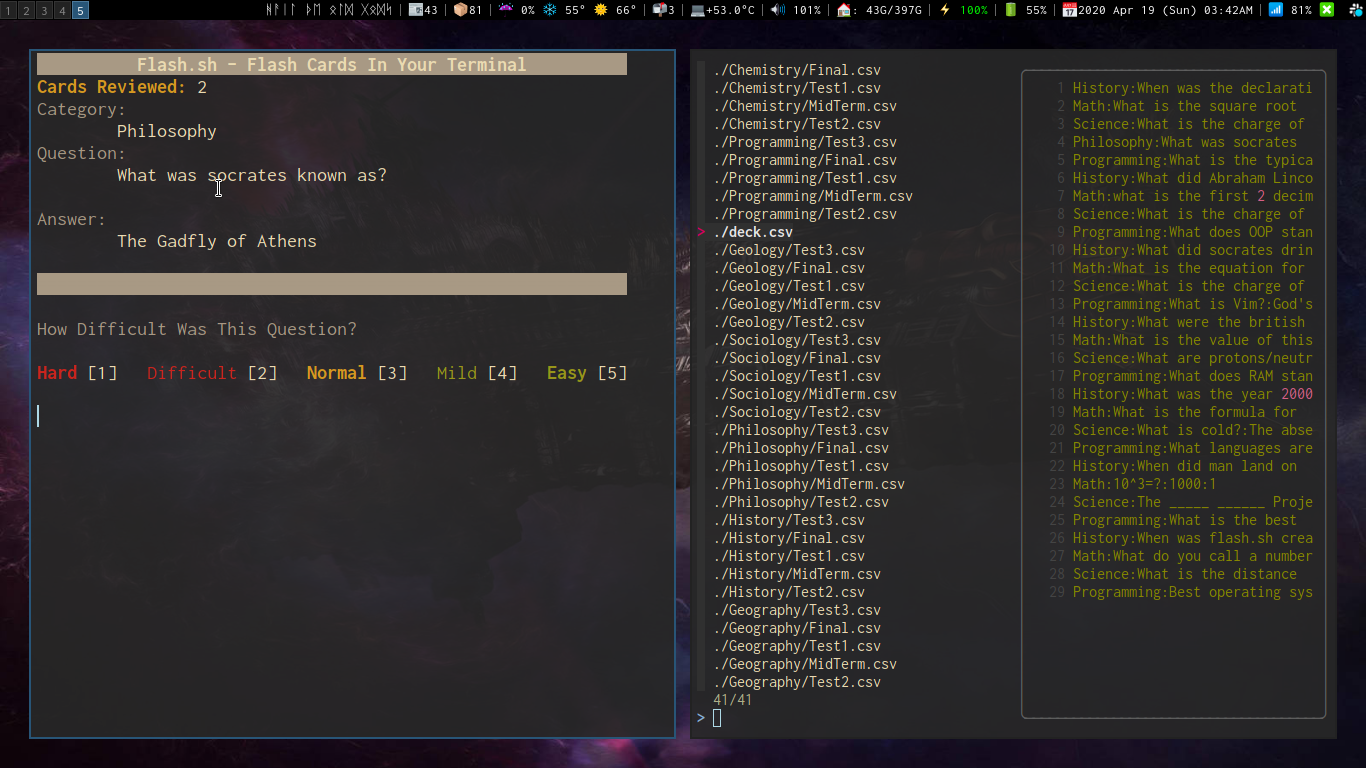
This script is an expanded version of the one featured in This nixcasts Video
This expanded version will create a flash directory in .local/share/ and create an example deck.csv file for you.
You can have as many 'decks' in the flash directory as you want, and having directories and nested directories filled with .csv 'decks' will all work with this system. There is also no practical limit on the amount of 'cards' a 'deck' can hold.
Dependencies
This script uses:
Install these prior to running the script.
Installation
Windows
Untested, not sure if this script and its dependencies will work with WSL or not.
Mac
Untested, but looking for help in testing see #11
Linux
To utilize this script copy/move it to your ~/.local/bin/ folder or any place in your $PATH
Usage
The deck.csv file should have colon : separated values in 4 columns
Organized like this:
category:question:answer:0
First Field: The category of the flashcard
Second Field: The Question being asked
Third Field: The Hidden Answer
Fourth Field: The Score*
* The score determines how often which cards are shown to you. A good idea is to start all your cards out at 0 so they are all served to you equally. As you study and review and mark the more familiar cards as 'Mild' or 'Easy' more points will be added. The lower point cards are sorted to the top and the top 10 are taken and shuffled and then drawn from. This way as you learn the material the items you are less familiar with bubble up into the shuffled pool for drawing and those that go up in points due to increased familiarity go down because you're rating the material as easier.
Decks
If you would like to browse a collection of decks readily available in your subject matter that are comaptible with flash.sh then you should check out Flash Decks.
Media (accepting contributions)
- (OLD)Flash.sh Plain Text Flashcards in your Terminal
- Flash Cards In Your Terminal With Flash.sh
- Flash.sh++ A Comprehensive Walk Through of My Bash Flashcard Script Project
Support
This is free, open-source software. If you'd like to support the development of future projects, or say thanks for this one, you can donate to me through paypal or buy me a coffee:

